The challenge
Move beyond a chatbot-shaped interface.
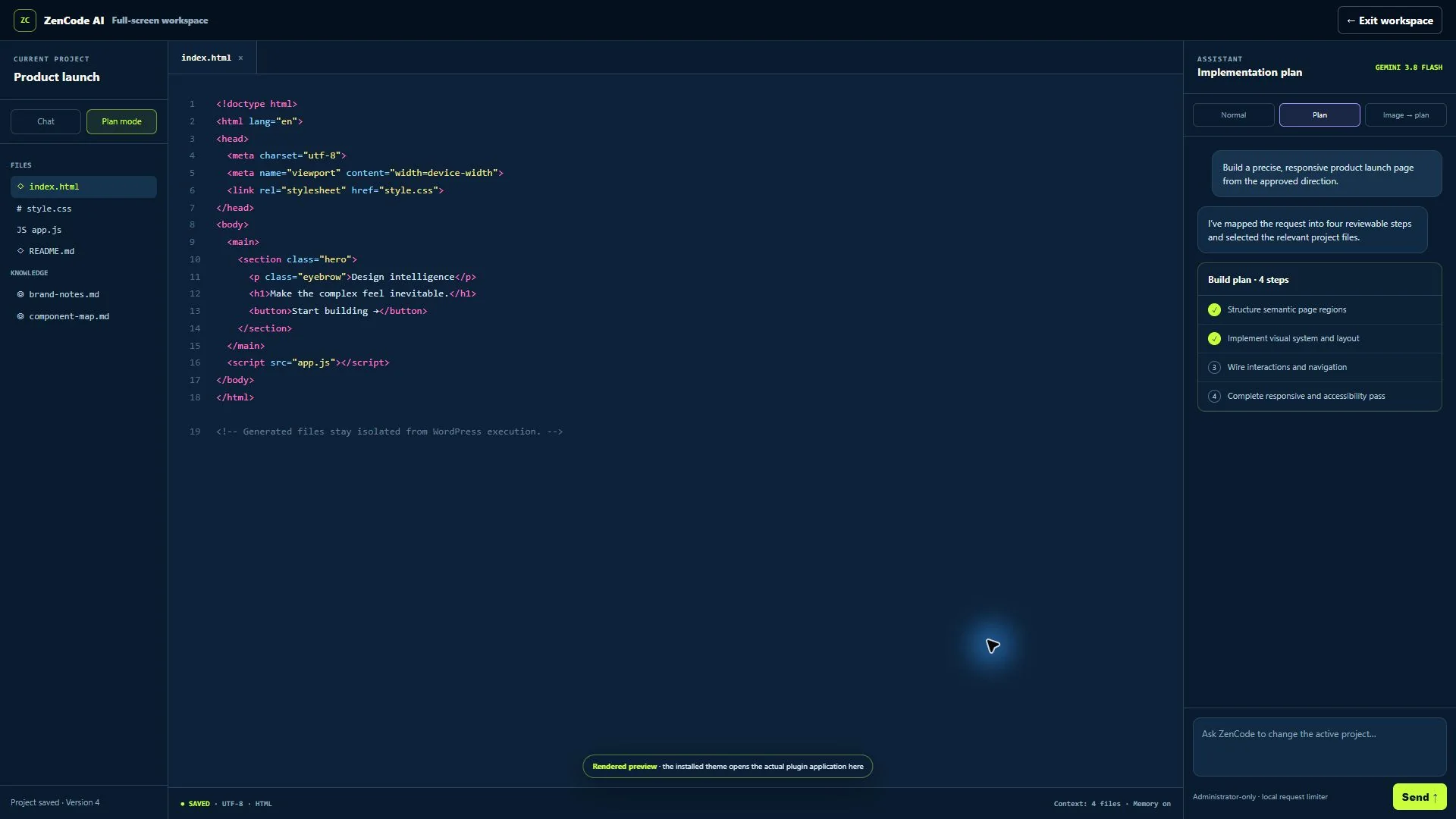
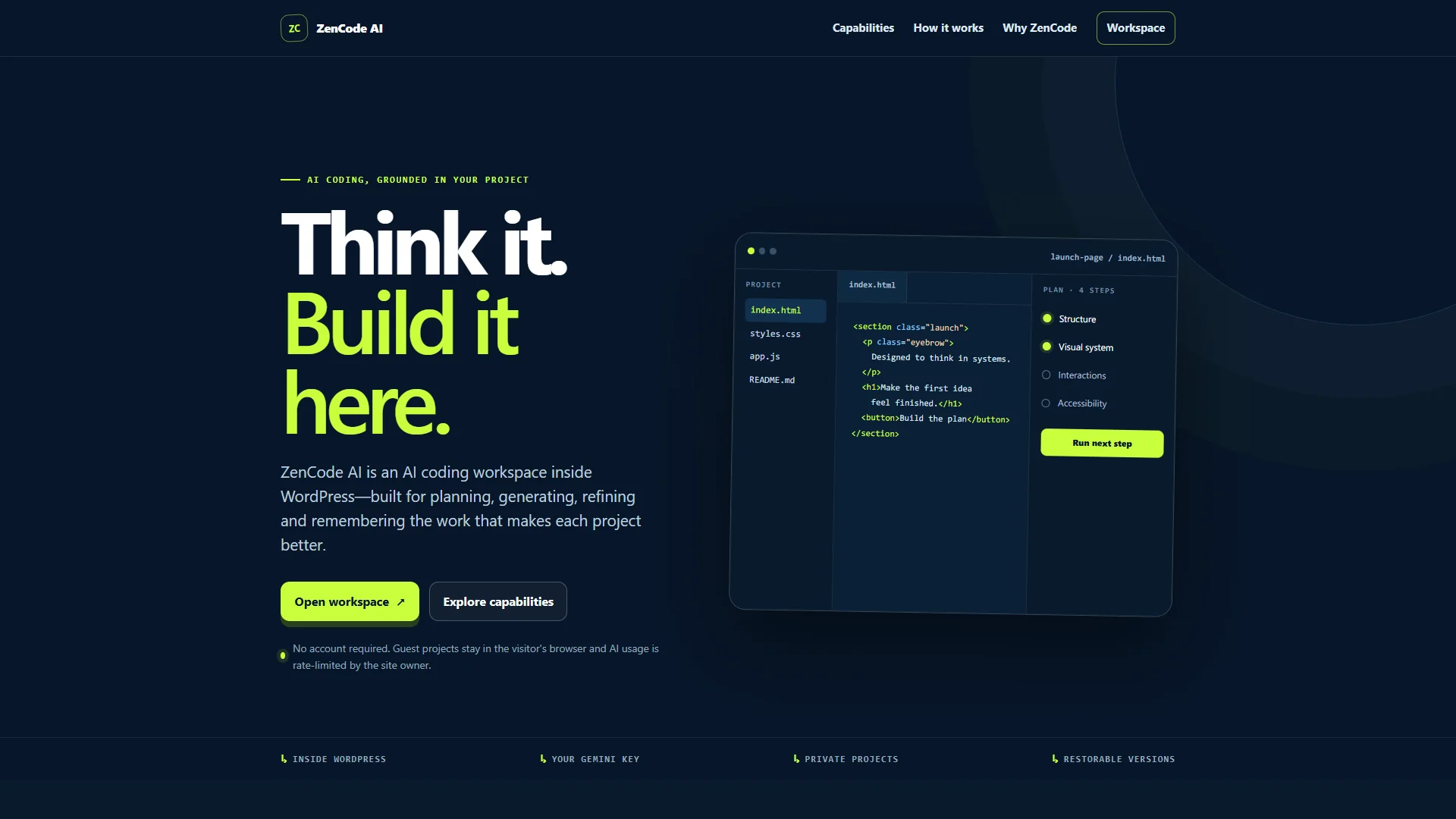
The goal was not to add a chat box to WordPress. It was to create a place where an idea could become files, a structured plan, reviewable code and restorable versions without losing project context.
That meant treating the plugin as an application: project ownership, file state, mobile layout, user feedback, AI request boundaries and upgrade safety all mattered as much as the model response.
The product decisions
Projects, not isolated prompts
Files, messages, plans and versions stay attached to a project. Users can choose which files enter context instead of sending everything on every request.
Planning before execution
Plan Mode turns a broad request into executable steps. A user can run one step, continue through the plan or revisit the structure before changing code.
Visual input as a real workflow
Image-to-plan accepts PNG, JPEG and WebP screenshots as implementation briefs, while keeping private administrator requests separate from the public showcase.
Two deliberately different access modes
Administrators keep server-side projects, versions and learning memory. Guests receive an isolated browser-saved project and rate-limited AI access without needing a WordPress account.
What the finished product demonstrates
ZenCode AI is also evidence of the way I work with modern models: define the product, direct the build, inspect the output, test edge cases and keep iterating until the experience behaves coherently.